How to Keep Your Phone Screen On While Cooking
Stop your phone locking mid recipe: the Auto-Lock setting on iPhone, Screen timeout on Android, why leaving them off is a bad idea, and a better fix.
By the Matlaro teamPublished 5 min read
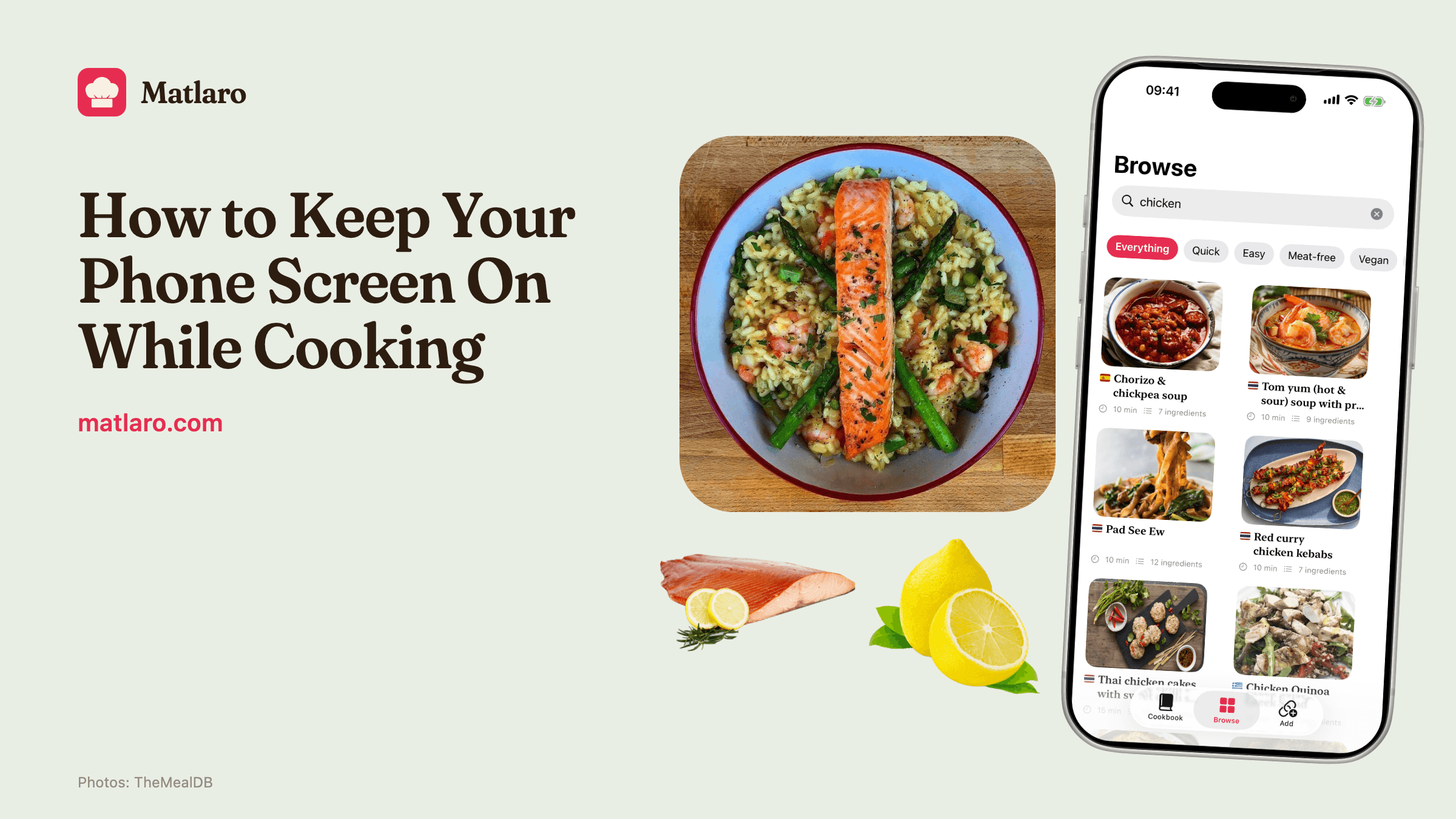
To keep your phone's screen on while you cook, change the auto lock time: on iPhone it is Settings, Display & Brightness, Auto-Lock; on Android it is usually Settings, Display, Screen timeout. Set it longer, cook, and set it back afterwards. The better fix is a recipe app that keeps the screen awake by itself, only while a recipe is open.
Here are the exact steps, the catch with changing them, and the alternatives.
On iPhone: Auto-Lock
- 1
Open Settings
The grey gear icon.
- 2
Tap Display & Brightness
About halfway down the list.
- 3
Tap Auto-Lock
And choose a longer time, up to Never.
Apple's own help page for this notes that delaying or turning off Auto-Lock can increase power use (Apple Support). If Low Power Mode is on, Apple sets Auto-Lock to 30 seconds (Apple Support), so the longer setting does not apply until you turn Low Power Mode off.
On Android: Screen timeout
The menu names differ between phone makers, but the setting is almost always under Display.
- 1
Open Settings
From the app drawer or the quick settings panel.
- 2
Tap Display
On Google Pixel phones it is called Display & touch.
- 3
Tap Screen timeout
And choose a longer time.
On Pixel 4 and later there is also Screen attention, which keeps the screen on while the front camera sees you looking at it (Pixel Phone Help). It works well at the counter, as long as you are actually facing the phone.
Battery
A screen that never turns off drains the battery faster, and a kitchen is not where you want to hunt for a charger.
You forget
Most people change it for one recipe and leave it for weeks. The phone then stays unlocked on the sofa, in your pocket and on the bus.
It is not the only problem
Even with the screen on, you still scroll a long page with wet hands to find the next step.
Other ways people solve it
| Method | Works | The catch |
|---|---|---|
| Change Auto-Lock or Screen timeout | Yes | You have to change it back, and battery use goes up |
| Tap the screen every minute | Sort of | Flour and oil on the glass, and you lose your place |
| Screen attention (Pixel) | Yes, when facing the phone | Turns off when you look away to chop |
| Keep the video playing | Sometimes | Only works for video recipes, and the recipe is in the video |
| A recipe app that keeps the screen on | Yes | Only while a recipe is open, then it is back to normal |
Read from a metre away
A screen that stays on is half the job. The other half is being able to read it from where you stand. Recipe web pages are written for reading on a sofa: small text, the ingredient list far above the step you are on, ads moving the text when they load. Why the pages are built that way is explained in why recipe blogs are so long.
What helps:
- Large type, one step at a time. You find your place at a glance.
- The ingredients for this step, close at hand. No scrolling back to the list.
- Timers from the step itself. No switching to the clock app with wet hands.
If you cook from recipes you found online, saving recipes from websites gets them into an app that does all of this. And for big cooking days with lots of steps, see the Christmas dinner timeline.
Cook mode in Matlaro
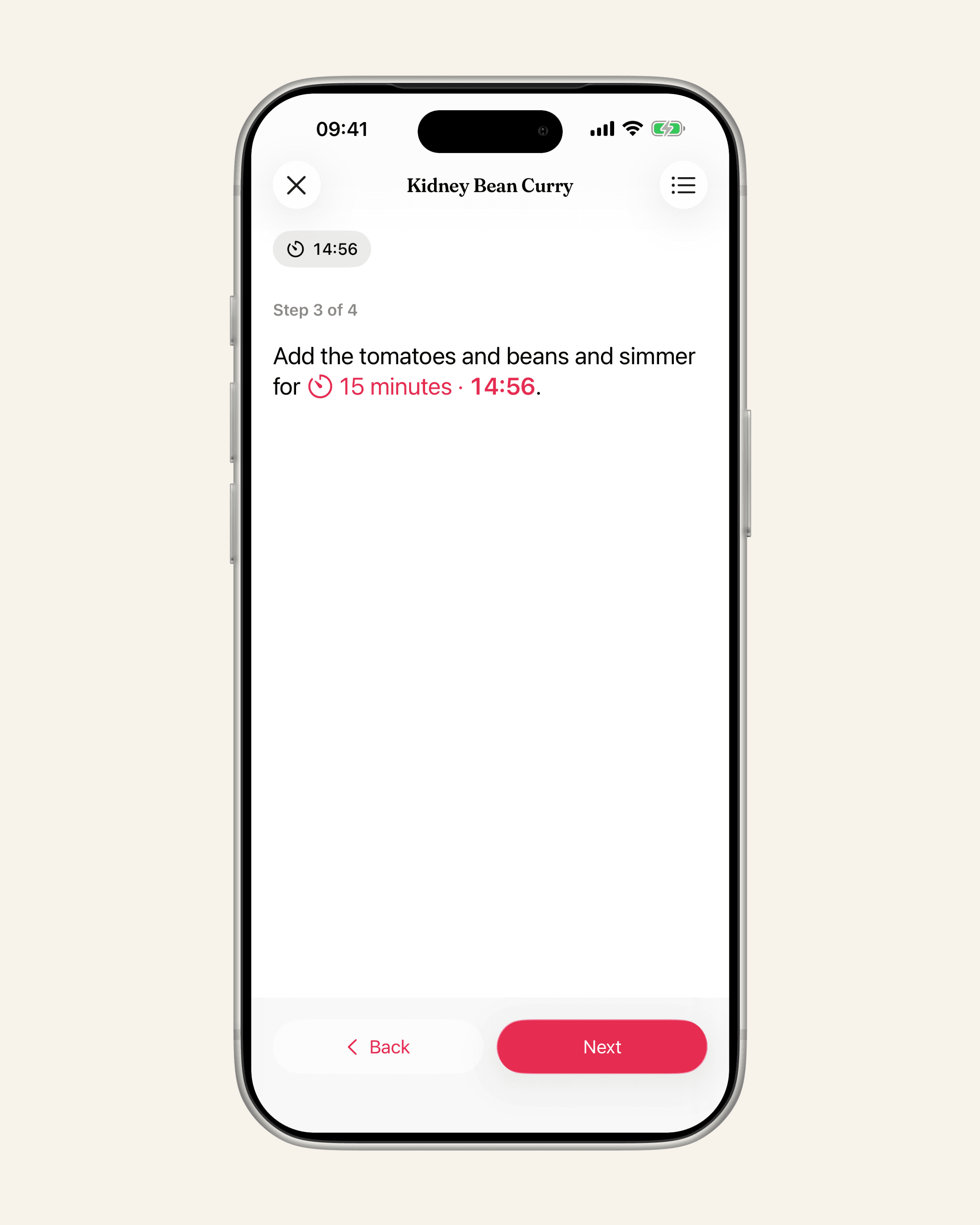
Matlaro's cook mode keeps your screen awake by itself, on iPhone and on Android, and only while you are cooking. Leave cook mode and your phone goes back to its normal Auto-Lock or Screen timeout, so there is nothing to change and nothing to forget.
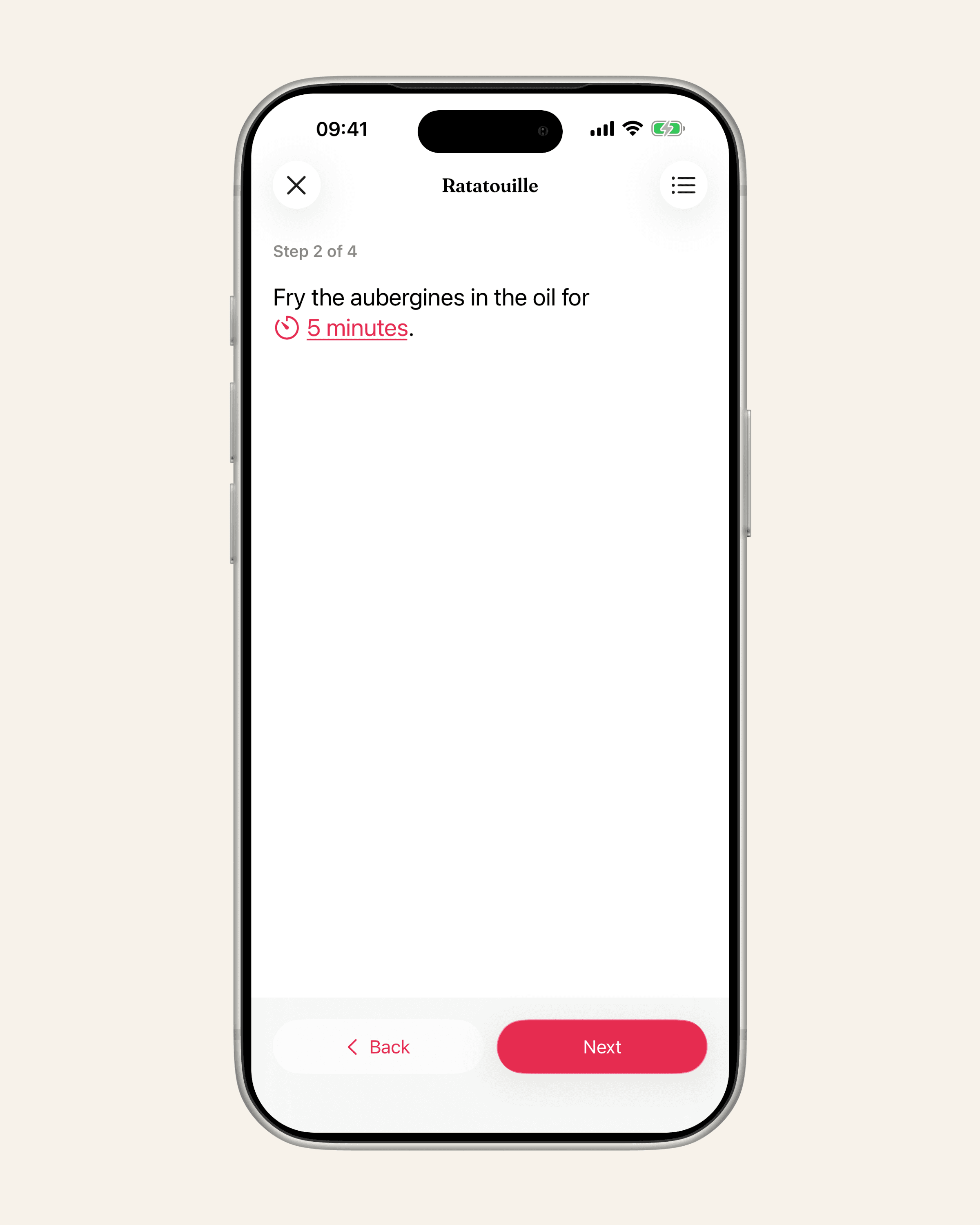
Each step fills the screen in type you can read from across the counter. The ingredients for the step you are on are one tap away, and when a step names a time, cook mode offers a timer for it. It works on recipes you save from websites, from captions and photographed pages, on the ones you type in, and on dishes from the Matlaro catalogue.
Frequently asked questions
How do I stop my iPhone screen turning off while cooking?
Go to Settings, Display & Brightness, Auto-Lock and choose a longer time. Remember to set it back afterwards, or use a recipe app that keeps the screen awake only while a recipe is open.
How do I keep my Android screen on?
Go to Settings, Display, Screen timeout. On Google Pixel phones the menu is called Display & touch, and Screen attention keeps the screen on while you look at it.
Does keeping the screen on drain the battery?
Yes. Apple notes that delaying or turning off Auto-Lock can increase power use. Keeping it on only while you cook keeps the cost small.
Why does my iPhone ignore the Auto-Lock setting?
Low Power Mode sets Auto-Lock to 30 seconds. Turn Low Power Mode off and your own setting applies again.