How to Save Recipes from Websites (iPhone, Android)
Four free ways to save a recipe from any website, what each one is bad at, and how to save just the recipe to an app with your phone's share button.
By the Matlaro teamPublished 6 min read
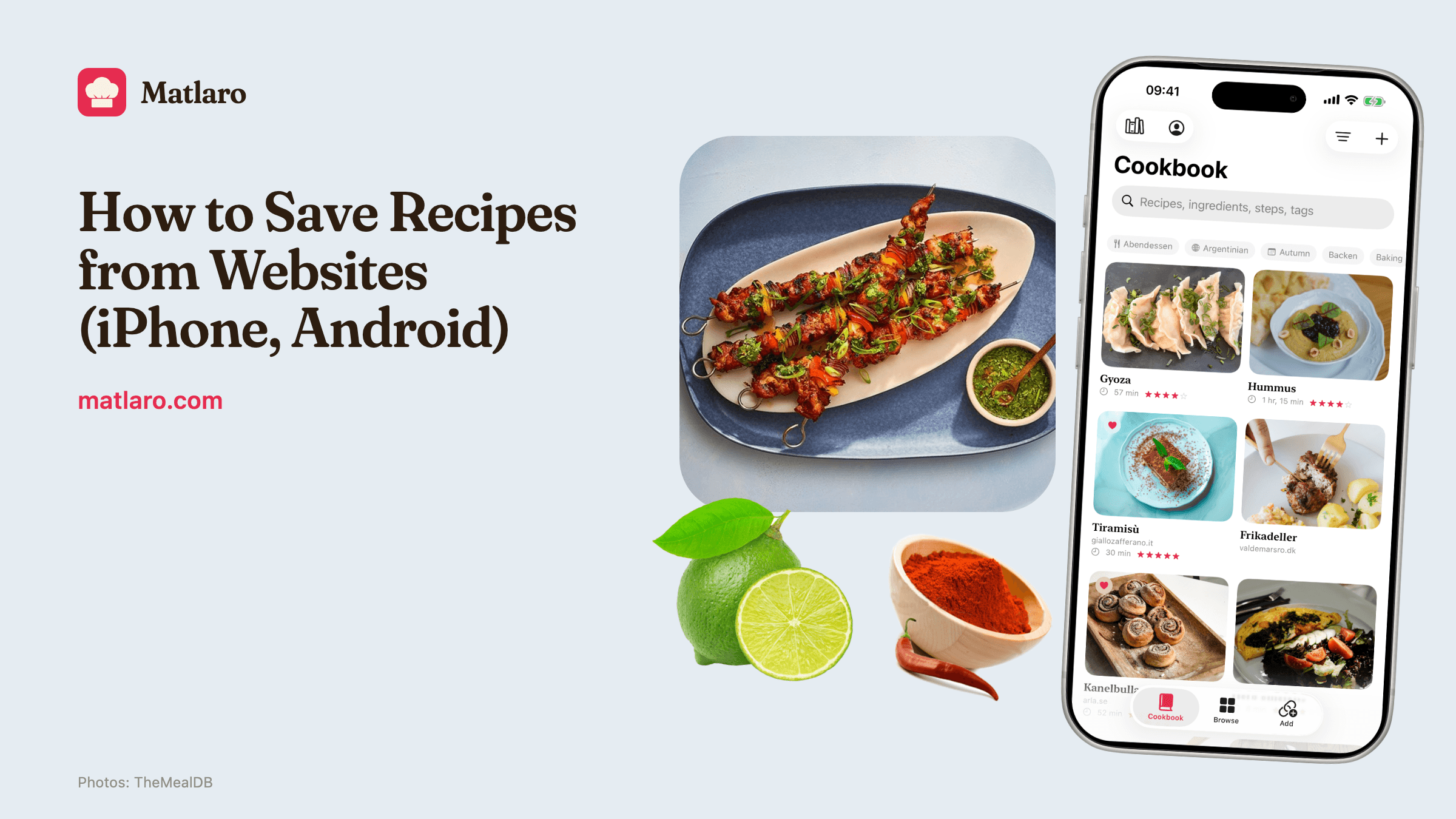
To save a recipe from a website, you can bookmark the page, save it as a PDF, screenshot it, or share it to a recipe app that keeps only the ingredients and the method. The first three are free and built into your phone, but they keep the page, not the recipe. A recipe app takes the page's link from your share button and turns it into a recipe you can search, scale and cook from offline.
Here is each method, what it is good and bad at, and the exact steps on iPhone and Android.
Four free ways, and their limits
Bookmark or reading list
Pros
- One tap, already in your browser
- Keeps the original page with all the notes
Cons
- Breaks when the site changes or goes offline
- Needs a connection every time you cook
Save as PDF
Pros
- Works offline and survives the site going down
- Most recipe cards have a Print button that makes a clean PDF
Cons
- A PDF is a picture of a page: no scaling, no search by ingredient
- Lands in Files or Downloads, far from your other recipes
Screenshot
Pros
- Instant, works on any page, even when you cannot select the text
Cons
- Long recipes need several screenshots
- Lost among every other photo on your phone
Copy into a notes app
Pros
- Searchable, free, works offline
Cons
- Every recipe pasted looks different
- No servings maths, no timers
Why recipe pages are so long in the first place, and how to get past the story to the recipe, is its own article: why recipe blogs are so long.
Side by side
| Bookmark | Screenshot | Notes | Recipe app | ||
|---|---|---|---|---|---|
| Works offline | No | Yes | Yes | Yes | Yes, once saved |
| Search by ingredient | No | No | No | Yes | Yes |
| Change the servings | No | No | No | No | Yes |
| Keeps the source link | Yes | Sometimes | No | If you paste it | Yes |
| Survives the site going offline | No | Yes | Yes | Yes | Yes |
Save a recipe on iPhone
- 1
Open the recipe in Safari
Or in any browser, the share button works the same.
- 2
Tap the Share button
The square with an arrow pointing up, at the bottom of the screen in Safari.
- 3
Pick the recipe app
It is in the row of apps. If you do not see it, swipe to the end of the row and tap More to add it.
- 4
Check and save
The app shows the ingredients and steps it read. Save it.
Save a recipe on Android
- 1
Open the recipe in Chrome
Or your usual browser.
- 2
Open the menu and tap Share
In Chrome, the three dots at the top right, then Share.
- 3
Pick the recipe app
From the list of apps in the share sheet.
- 4
Check and save
The ingredients and steps appear for you to look over before saving.
What a good recipe app keeps
When you save a page, three things should come with the recipe:
- The source. The site's name and a link back, so you can return for the notes and the comments, and so the person who wrote the recipe gets the credit.
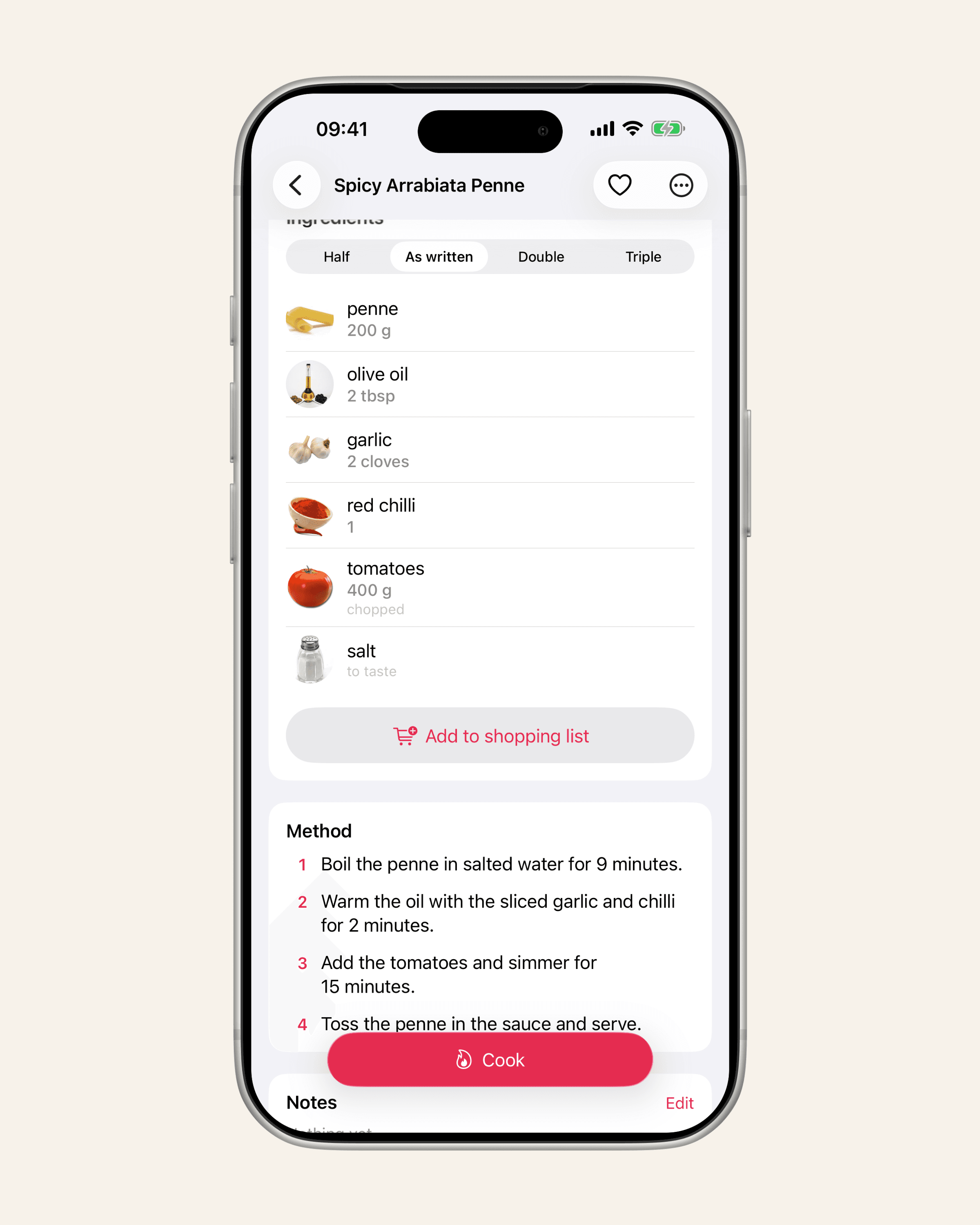
- The servings. Without them, scaling is guesswork.
- Each step on its own. That is what lets an app show you one step at a time while you cook.
If you also save from Instagram and TikTok, those work differently, because the recipe is in a caption, not on a web page; see how to save recipes from Instagram and TikTok. And once you are saving from everywhere, five ways to organise your recipes helps you keep it all in one place.
Saving from a website in Matlaro
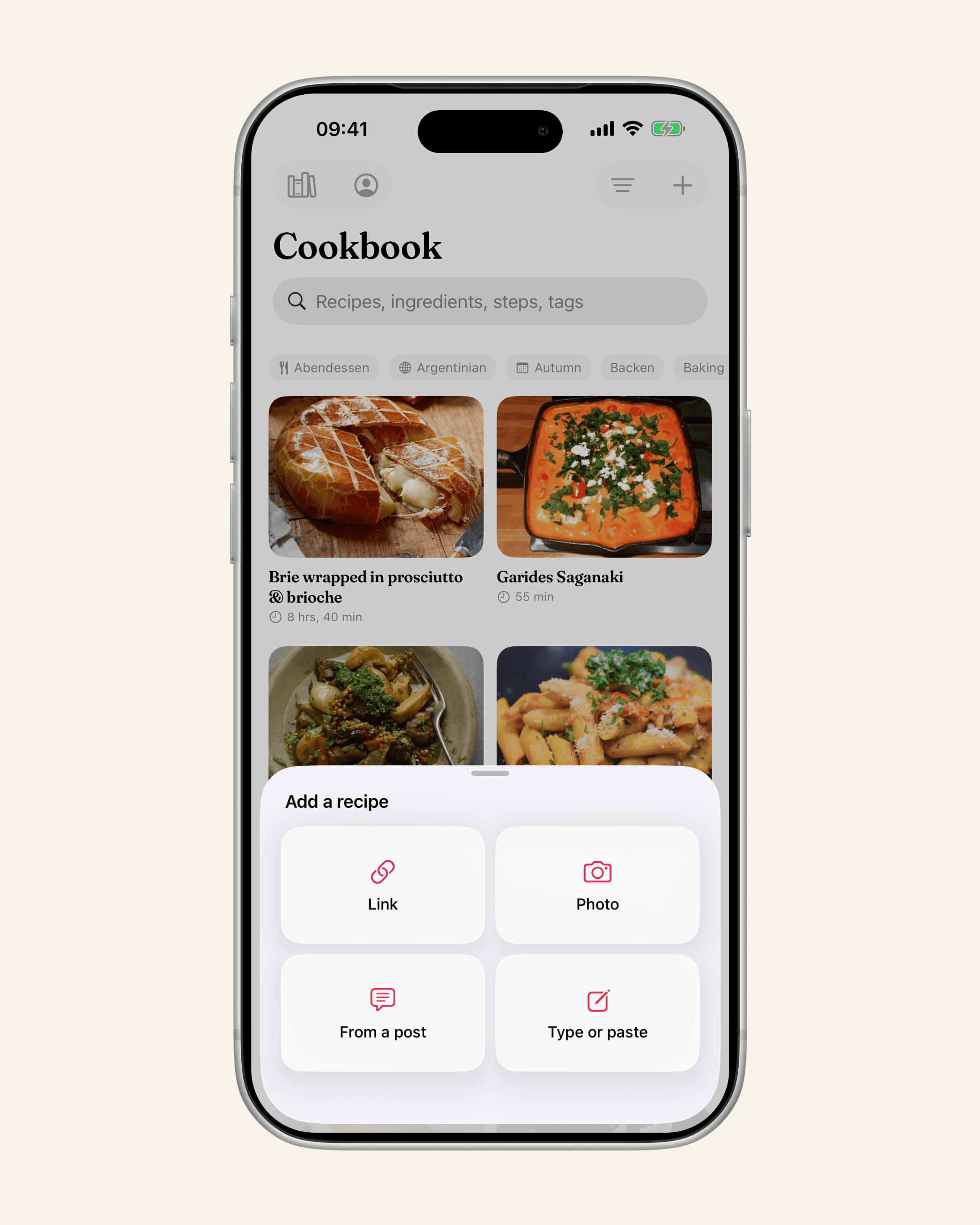
On iPhone and Android, tap Share on any recipe page and choose Matlaro, or paste the link into Add a recipe. Matlaro reads the standard recipe format most recipe sites publish for search engines: the name, the ingredients, the method and the servings. The rest of the page is not kept. The site's name and the link stay with the recipe.
- It tells you when it cannot. If a page has no recipe on it, or only half of one, Matlaro says so instead of guessing at the amounts.
- Only what is saved counts. The free plan includes 5 imports a month, and an attempt that fails does not count. Matlaro Unlimited has no monthly limit.
- Once saved, it is on your phone. The recipe opens with no connection. Saving one needs a connection, because the page has to be fetched and read.
Frequently asked questions
How do I save a recipe from a website on my iPhone?
Open the page in Safari, tap the Share button and choose a recipe app. Without an app, you can add a bookmark or use Print on the recipe card to save a PDF.
What is the best app to save recipes from websites?
Look for one that keeps the source link, lets you change the servings and works offline once a recipe is saved. Matlaro does all three.
Can I save a recipe without the ads and the story?
Yes. A recipe app that reads the recipe format keeps only the ingredients, the steps and the servings, and drops the rest of the page.
What if a website will not let me save the recipe?
Open the page in your phone's own browser rather than inside another app, and share it from there. If that fails, copy the recipe text and paste it in.