Why Recipe Blogs Are So Long, and How to Skip to It
Why recipe sites bury the recipe under a life story, ads and pop-ups, and six quick ways to get straight to the ingredients and steps.
By the Matlaro teamPublished 6 min read
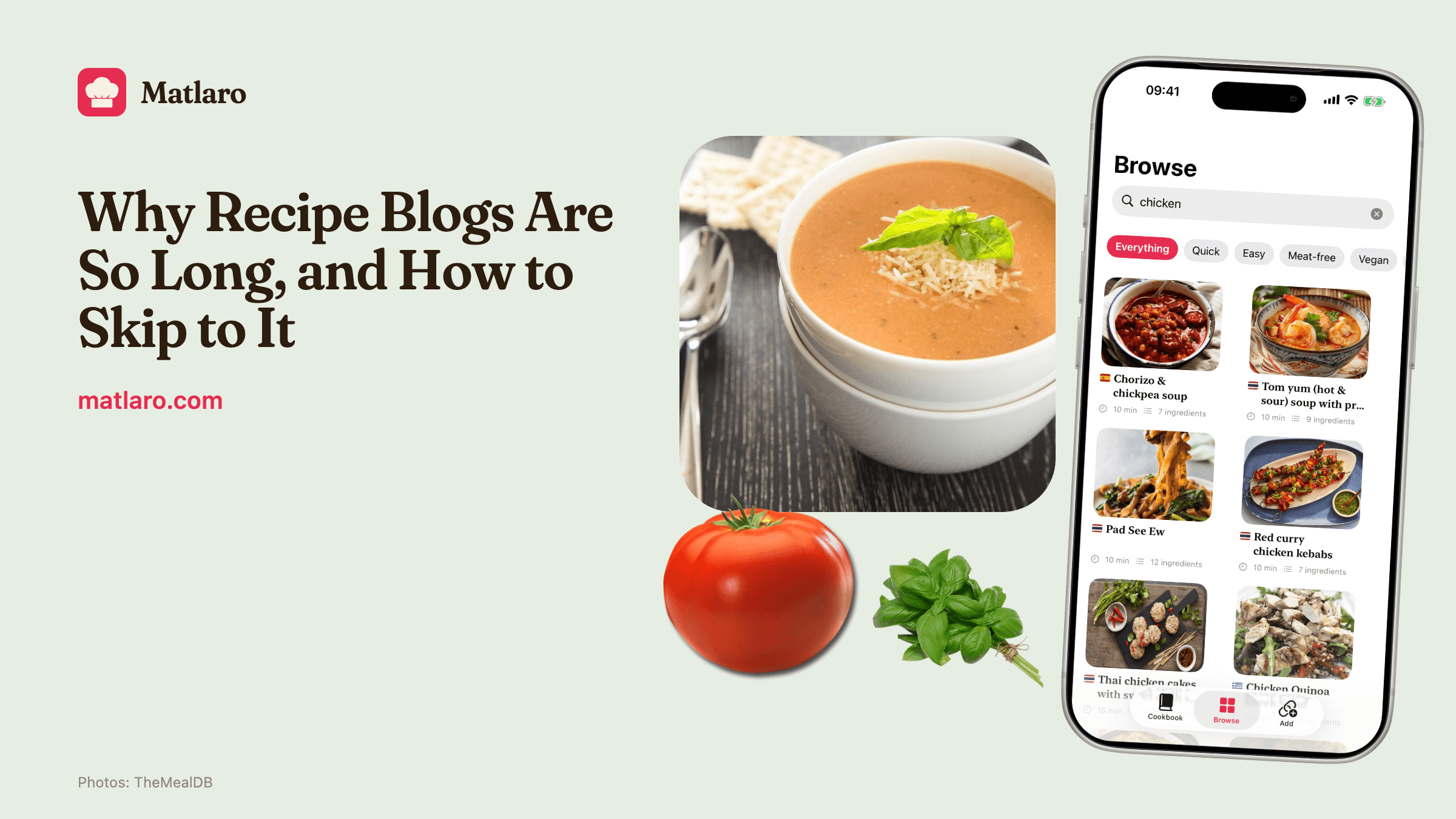
Recipe blogs are long because the blog is paid for by ads and found through search, and both reward more page. The quickest ways past it are the "Jump to Recipe" button at the top, the site's print view, your browser's reader mode, or saving the page into a recipe app that keeps only the ingredients and the method.
Here is why the story is there, and six ways to skip it, from free and built into your phone to the one we built.
Why the recipe is at the bottom
It is not that food bloggers love writing about autumn in Vermont. The long intro does a job.
Ads pay per view
Most food blogs that run display ads are paid by how many ads are seen. A longer page has room for more ad slots between you and the recipe.
Search needs words
A page with only a list of ingredients gives a search engine very little to go on. Tips, swaps and "why this works" sections help it rank.
A list is not protected
In the US, a mere listing of ingredients is not protected under copyright. The explanation and the writing around it can be, so the writing is also a way to make a recipe your own.
None of that makes the story useless. Sometimes the "notes" section is where the real advice is: which tin size, what to do if your batter splits. Before you skip, it is worth a ten second scroll for a heading like "Tips" or "Substitutions".
The hidden copy of the recipe
Here is the part most people do not know. Almost every big recipe site publishes a second, invisible copy of the recipe in the page code, in a standard format called schema.org Recipe. Google documents it for site owners because that copy is what powers the recipe cards in search results.
That clean copy holds the name, the ingredients, the steps and the number of servings. Every tool on this list that "just gives you the recipe" is, one way or another, reading that copy instead of the page you see.
Six ways to get straight to the recipe
- 1
Tap Jump to Recipe
Most recipe blogs have a button near the top. It scrolls you past the story to the recipe card.
- 2
Use the print view
The Print button on the recipe card opens a clean page with only the recipe. You do not have to print it; it is a quick way to read.
- 3
Turn on reader mode
Safari's Reader on iPhone and Chrome's reading mode on Android strip a page down to its text. It works on some recipe sites better than others.
- 4
Search the page
Use Find on page and type "ingredients". It drops you at the list.
- 5
Add "recipe" to a dish name and use the card in search
Search results often show the recipe card itself, with time and rating, and sometimes the ingredients.
- 6
Save it to a recipe app
A recipe app reads the hidden copy and keeps only the recipe, so you never see the page again.
Jump to Recipe and print view vs a recipe app
Pros
- Jump and print are free and need nothing installed
- Reader mode works on any site, not just recipe blogs
- A recipe app keeps the recipe for good, without the page
- You can scale it, search it and cook from it offline
Cons
- You still load the full page, ads and pop-ups each time you cook
- Nothing is saved: next time you search and scroll again
How Matlaro keeps just the recipe
When you share a recipe page to Matlaro, it reads that schema.org copy: the name, the ingredients, the instructions and the servings. The rest of the page, the text, the ads and other people's comments, is dropped right there. It is never stored.
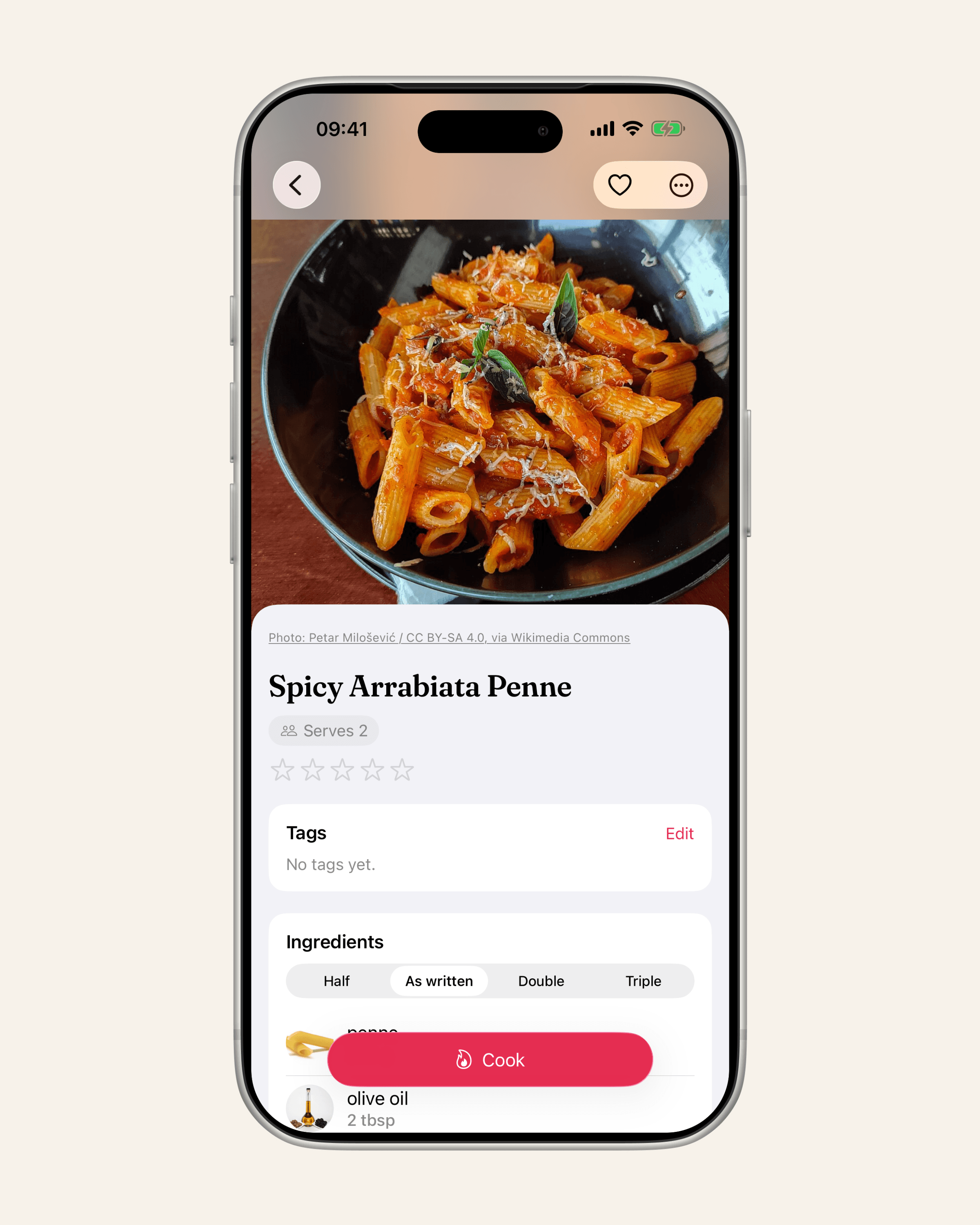
What you keep:
- The ingredients, with amounts that scale. Change the servings and every amount follows.
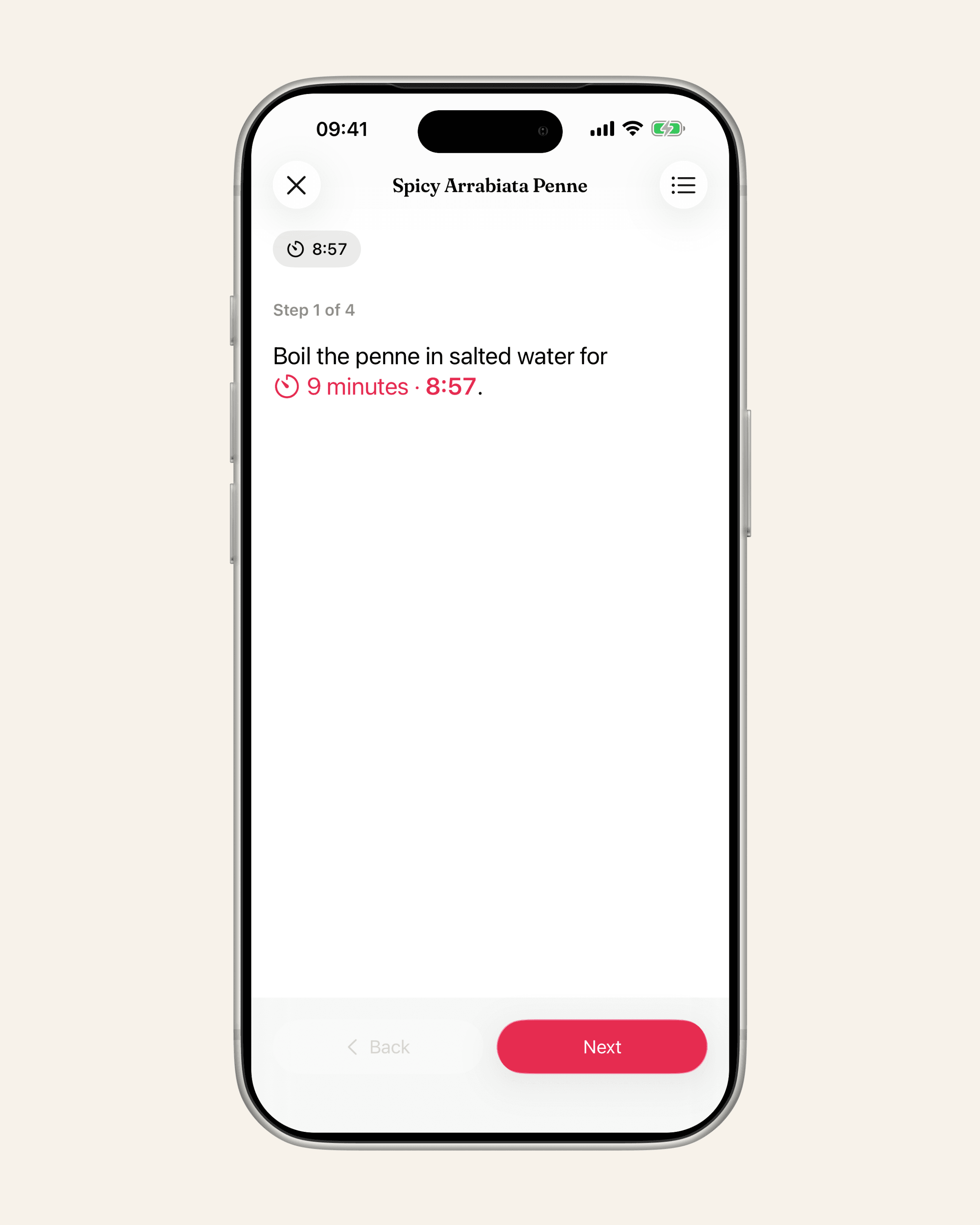
- The steps, in cook mode. One step at a time, in large type, with the ingredients for that step one tap away.
- The timers. When a step says "bake for 25 minutes", the 25 minutes is a timer you tap. "Bake until golden" gets no timer, because no one knows how long golden takes.
- The source. The page's link stays with the recipe, so you can go back for the notes.
Some sites block apps from reading their pages. When that happens, Matlaro tells you, and the fix is to open the recipe in your browser and share it from there. If a page has no recipe on it at all, you get a message rather than a guess.
Recipes you save are stored on your phone and work offline, so a recipe you saved last month opens in the kitchen with no signal and no ads. Matlaro itself has no ads and no tracking.
When the recipe lives somewhere else
Not every recipe is on a blog. If it is in an Instagram caption, see how to save a recipe from Instagram or TikTok. If it is in a printed book or on a card in your parents' kitchen, digitizing a family cookbook walks you through it.
Frequently asked questions
Why do recipe websites have so much text before the recipe?
The extra text gives room for ads, which pay per view, and gives search engines more to rank. It can also carry useful tips, so check for a Tips heading before skipping.
How do I skip to the recipe on a food blog?
Tap Jump to Recipe near the top, open the Print view, or use Find on page for "ingredients". A recipe app skips the page entirely.
Is there a way to see recipes without ads?
Reader mode and print views remove most ads. Saving the recipe to an app with no ads, such as Matlaro, removes them for good.
Are recipes protected by copyright?
In the US, a list of ingredients on its own is not protected by copyright, while the explanation and writing around it can be. Keeping a recipe to cook from yourself is a different thing from publishing it again.